

All of life is interpretation.
Read the sources: the Greek New Testament and the Hebrew Bible beside the English, a tap on any word for its parsing and lexicons, search by lemma, form or root, and your own PDFs read, searched and OCR’d, all on your device. Free, offline, and built only on openly licensed texts.
iPhone · iPad · Mac with Apple silicon · No account · No ads · No tracking
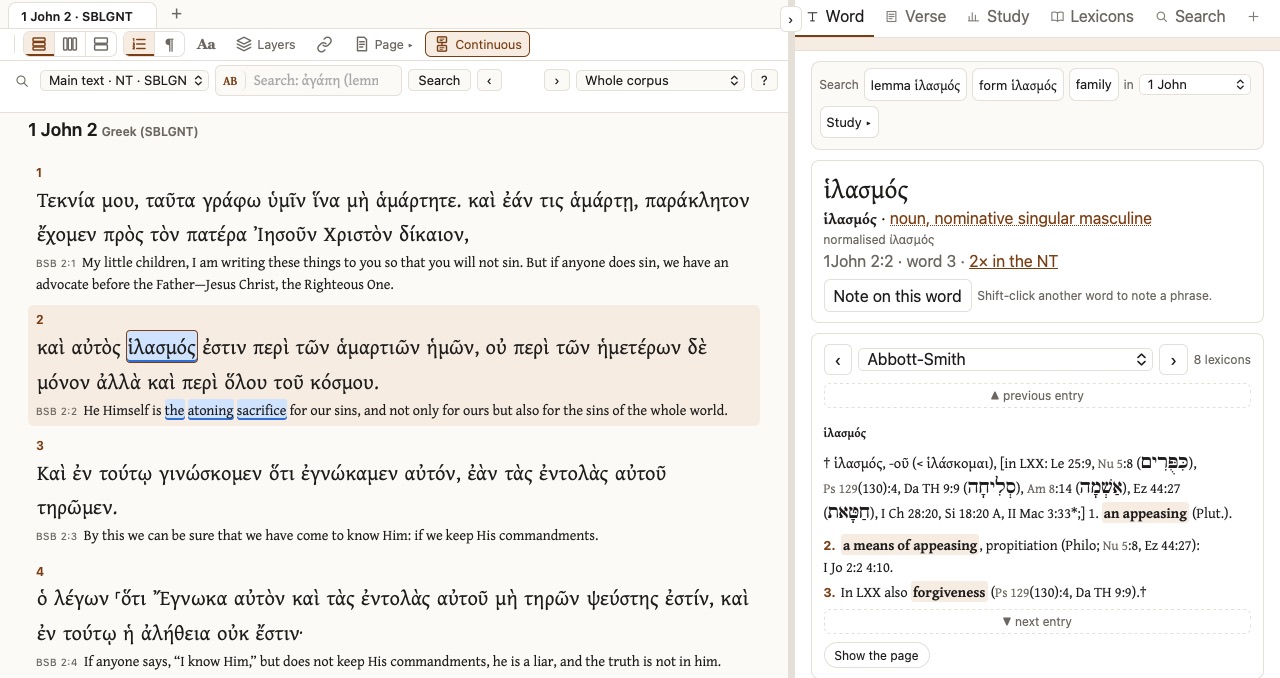
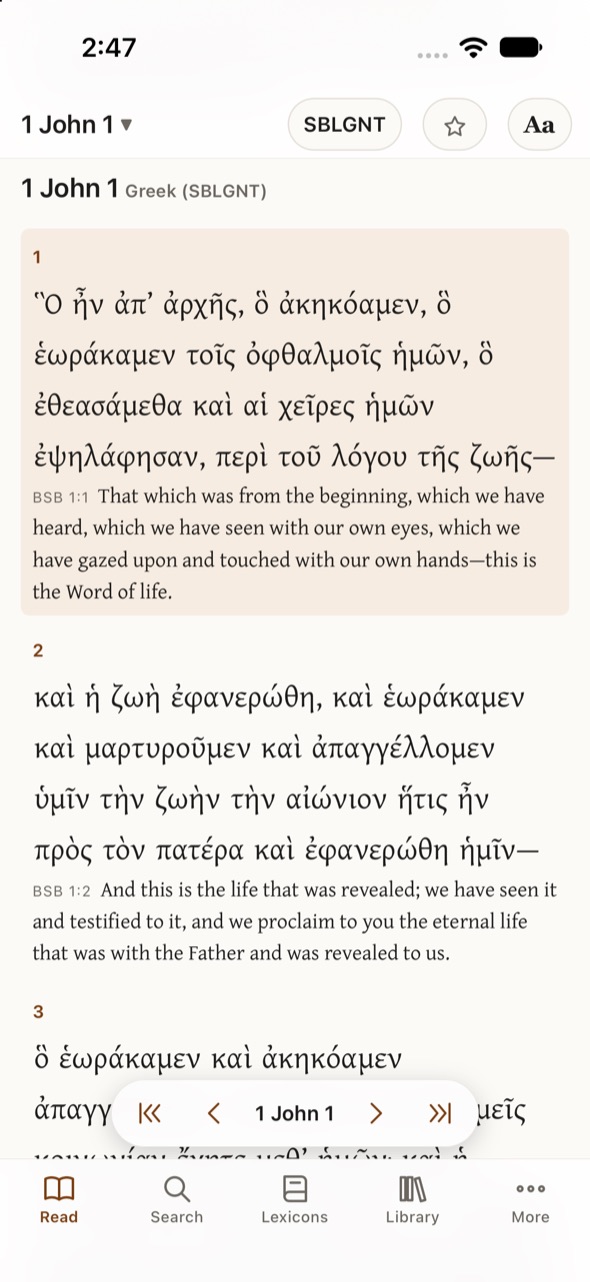
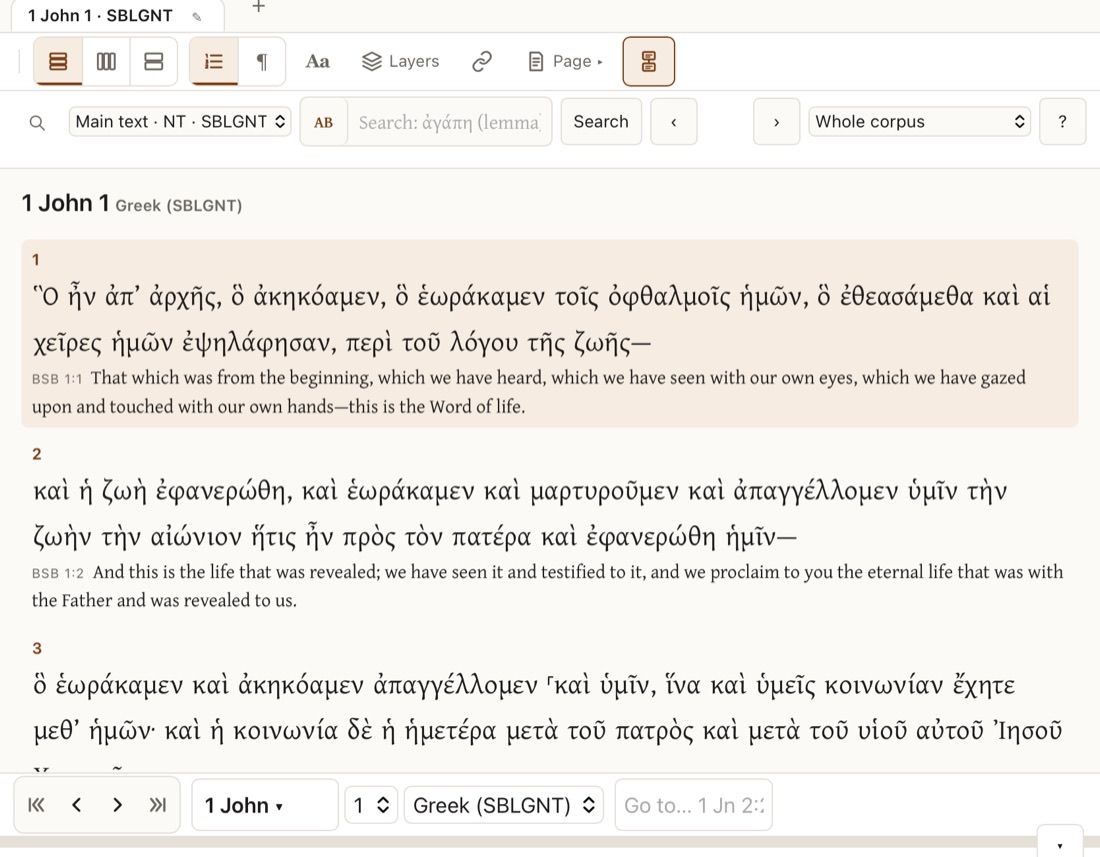
On the Mac and the iPhone: 1 John in the SBLGNT with the BSB.
What Hermeneus does
One reading room for the biblical languages, on the iPhone in your pocket, the iPad on your desk and the Mac you write on. Everything below works in flight mode.
Read Greek, Hebrew and English side by side
- The SBL Greek New Testament with MorphGNT parsing, and the Hebrew Bible (Westminster Leningrad Codex) with the Open Scriptures morphology.
- The Berean Standard Bible, the World English Bible and the King James Version, under each verse, in columns or in a split view.
- English words linked to the Greek and Hebrew they translate.
- Eight colour themes, from Sepia to a true-black Night, that can follow your device’s light and dark mode, and text as large as you like.
Tap a word
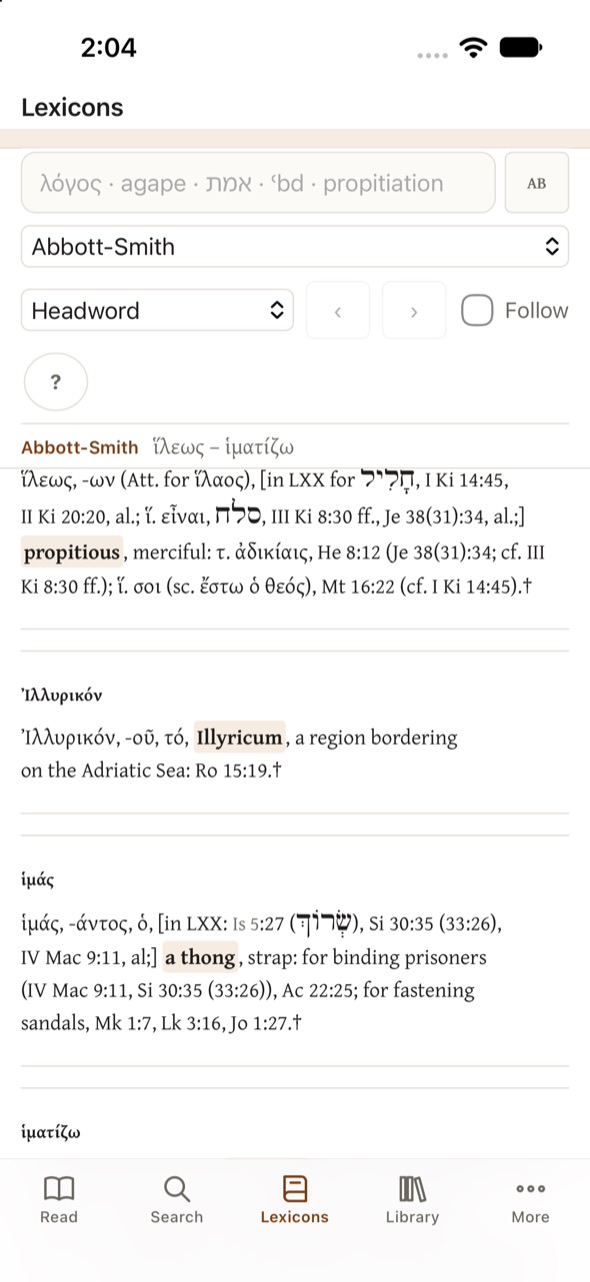
Tap any Greek or Hebrew word to see its lemma, its full parsing, and the lexicons, one at a time with ‹ › to page through them. The Lexicons tab reads any of the thirteen lexicons straight through and searches headwords, English glosses or the full text.
- Greek: Abbott-Smith, Thayer, Moulton–Milligan, LSJ, Middle Liddell, TBESG, Dodson, Strong’s.
- Hebrew: Brown–Driver–Briggs, TBESH, Strong’s.
- Latin: Lewis & Short, Lewis’s Elementary Latin Dictionary.
Search the originals
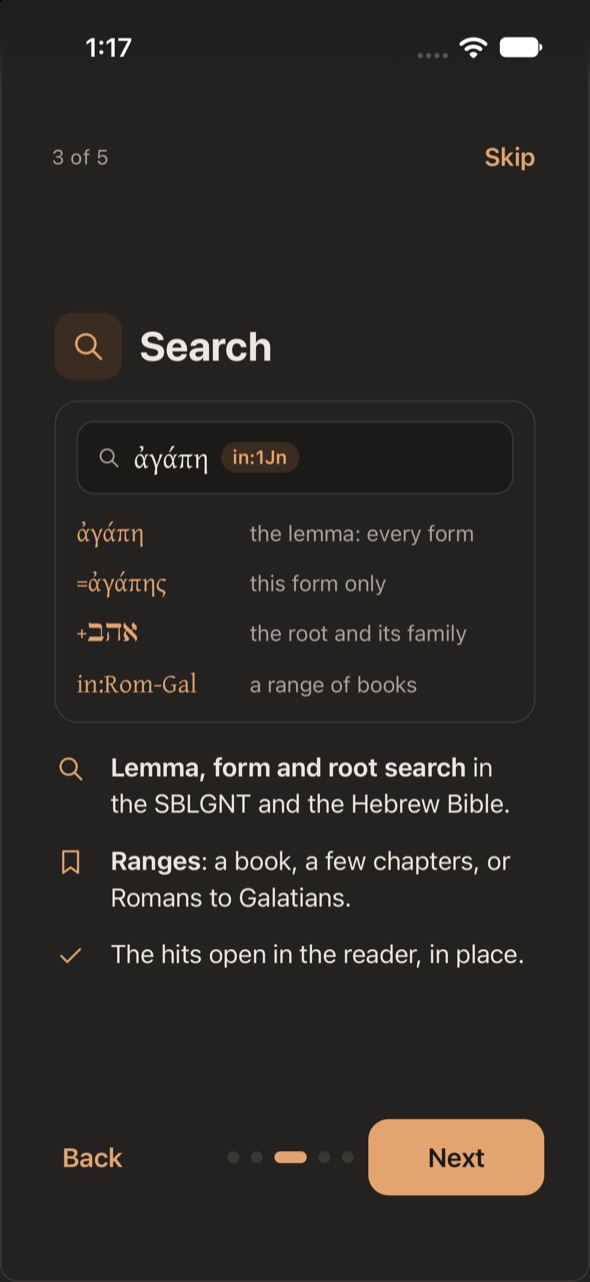
Type a lemma and find every form of it; put = in front for one form only, or + for a
whole root family. Limit it to a book or a range, and step through the hits in the reader.
ἀγάπη- the lemma: every form
=ἀγάπης- this form only
+אהב- the root and its family
in:Rom-Gal- a range of books
Your own library, read and searchable
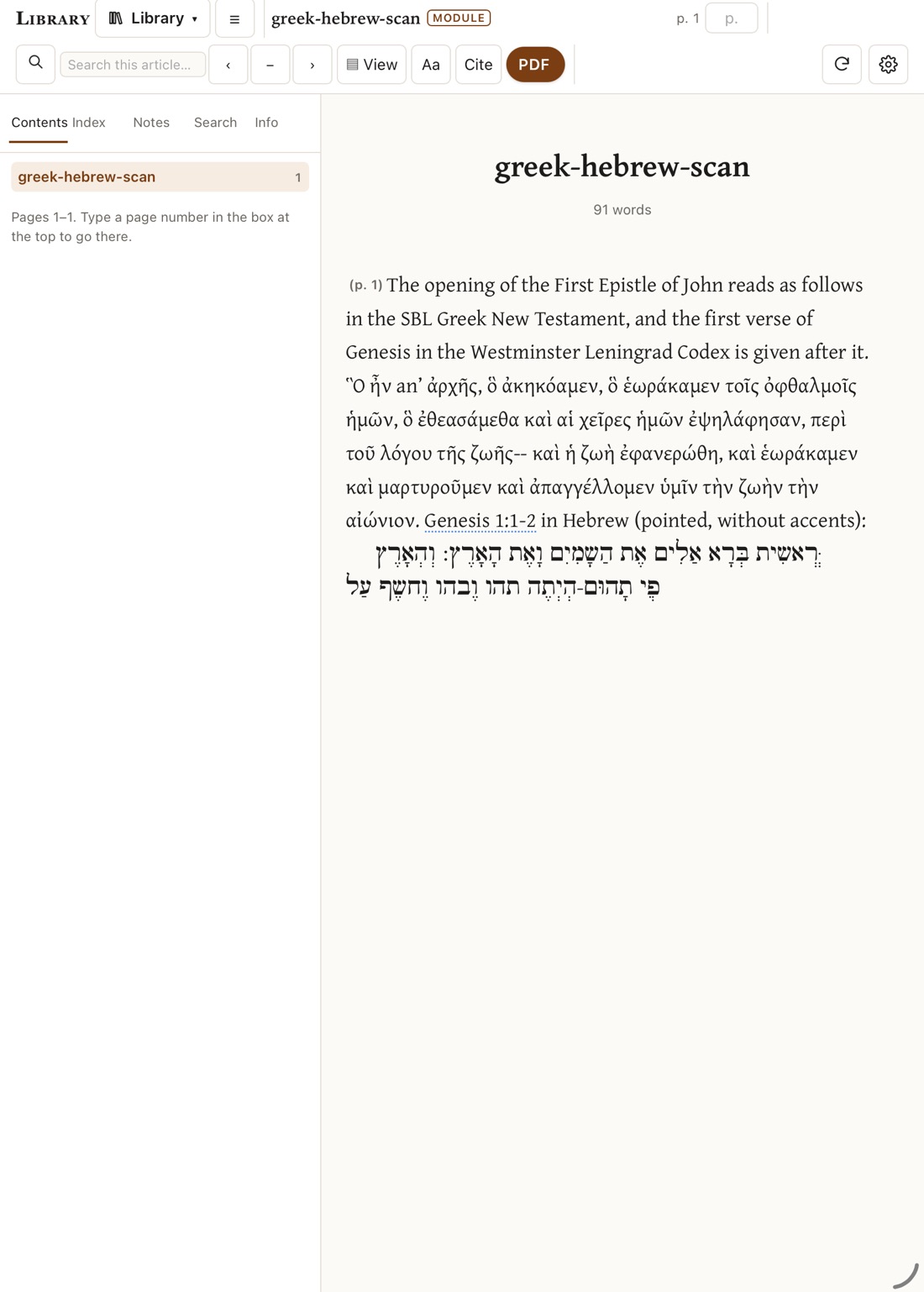
Import the PDFs you own: articles, books, your own notes. Pages with text are ready at once; scanned pages are read on the device by OCR, in Greek and Hebrew as well as English and Latin. Each PDF becomes a module you can read as clean text, search with the rest of your library, and cite, with its Bible references linked and its Greek words a tap away from the lexicons.
Import from Files or the share sheet on the iPhone and iPad; on the Mac use File ▸ Import PDF…, or drop the files on the window.
Key features
Original-language texts
SBLGNT with MorphGNT, and the Westminster Leningrad Codex with the Open Scriptures morphology.
Three English Bibles
BSB, WEB and KJV, under each verse, in columns or split, with word links to the originals.
Thirteen open lexicons
From Abbott-Smith and LSJ to BDB and Lewis & Short, all openly licensed or public domain.
Lemma, form and root search
Book ranges, wildcards and phrases, with the hits shown in place in the reader.
PDF library with OCR
Greek, Hebrew, Latin and English scans made readable and searchable on the device.
Notes and your own translation
Write notes on any verse and keep your own translation beside the text.
Made for each device
A one-thumb layout on the iPhone; columns, panels and menus on the iPad and the Mac.
Free
No price, no subscription, no ads, no account.
Private by design
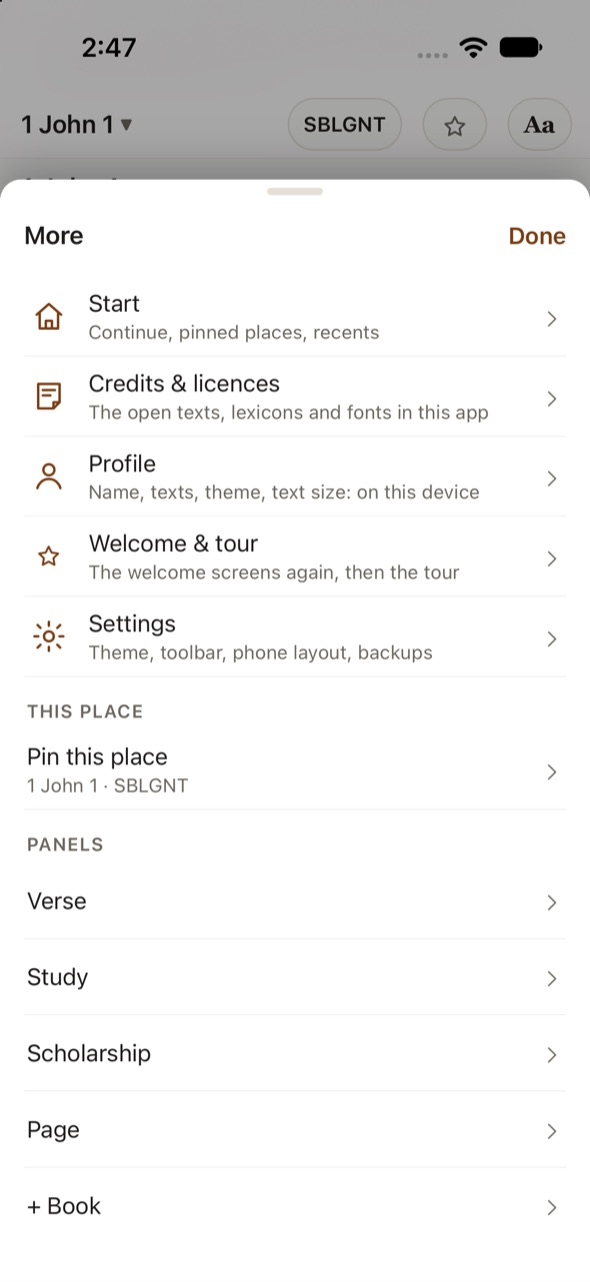
Hermeneus has nothing to send and nowhere to send it. The whole app, texts, lexicons, search and OCR included, runs on your device.
- No account and no sign-in. A profile, if you make one, is a name and a few settings kept on the device.
- No analytics, no advertising, no tracking of any kind.
- Your PDFs and notes stay on your device. Nothing is uploaded.
- Works in flight mode. The app makes no internet connections of its own.
Open texts only
Every text, lexicon and font in Hermeneus is in the public domain or under an open licence such as Creative Commons or the SIL Open Font License, and each is credited in the app and on the Sources & licences page. That is why some famous editions are not here: the Nestle–Aland Greek New Testament, the Biblia Hebraica Stuttgartensia, BDAG, HALOT and most modern translations are under copyright. More in the FAQ.
The name
ἑρμηνεύς is Greek for “interpreter” (1 Cor 14:28), the root of “hermeneutics”. Reading an ancient text is always an act of interpretation; Hermeneus puts the sources in front of you so that the interpreting can be yours.